
Cloud Stream IPTV Player
About
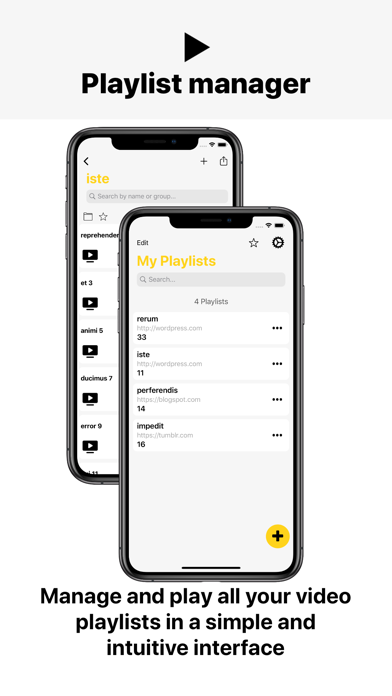
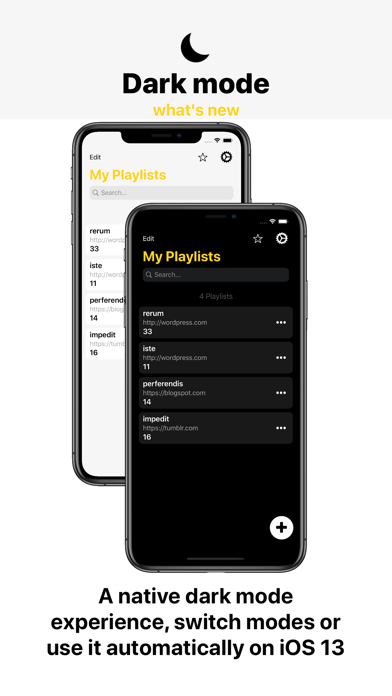
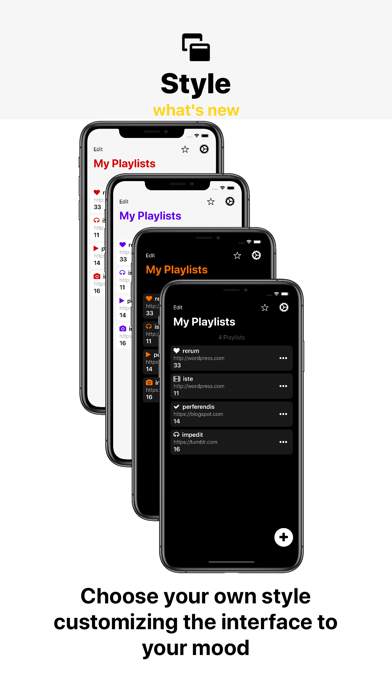
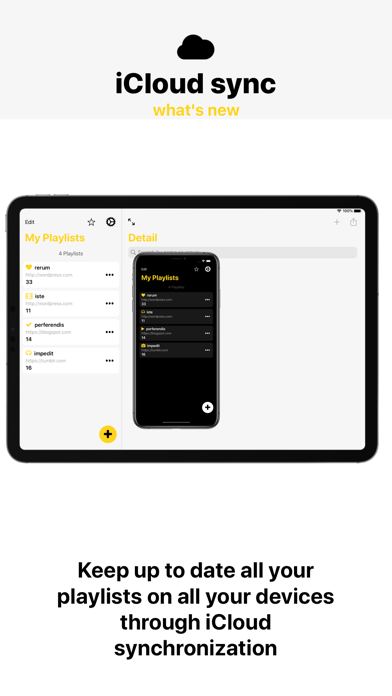
Watch the TV IPTV from your ISP or any other TV Internet source from your iPhone or iPad! Features: • Play IPTV • Streaming for Internet channels • Play-multicast streams through a UDP proxy (the proxy must be configured in your local network) • Support M3U and M3U8, ability to add playlists from the file system device or via Internet. • Chromecast (For version PRO ONLY) • Background playback (For version PRO ONLY) • Parental control (For version PRO ONLY) • External Player (For version PRO ONLY) • Sync playlists (For version PRO ONLY) Additional features; - Share lists between devices using Airdrop, mail, messages or any other application installed on the device. - Favorites. - Theme light, dark or automatic. - Parental lock on the player to keep children on the player. - If the channel
Screenshots

How to install Cloud Stream IPTV Player on iOS
- Download UnKeySign on your iPhone
- Import Cloud Stream IPTV Player IPA into UnKeySign
- Add your P12 certificate and provisioning profile
- Tap Sign — the app installs automatically