

AI Photo Editor: AiRetouch
About
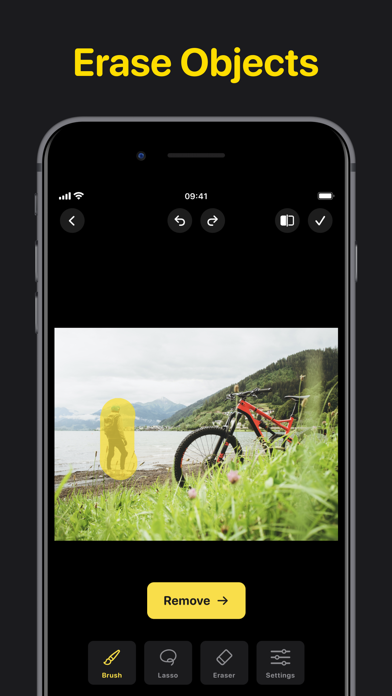
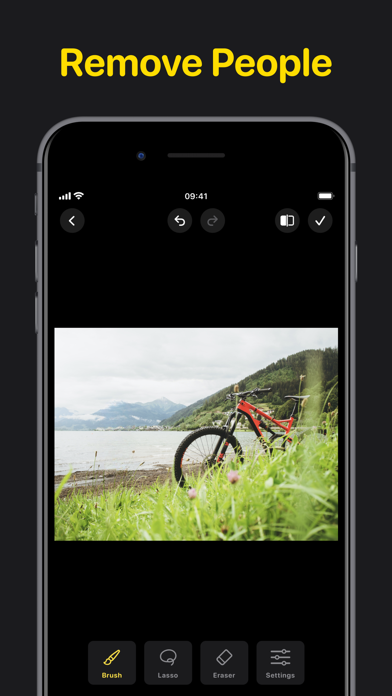
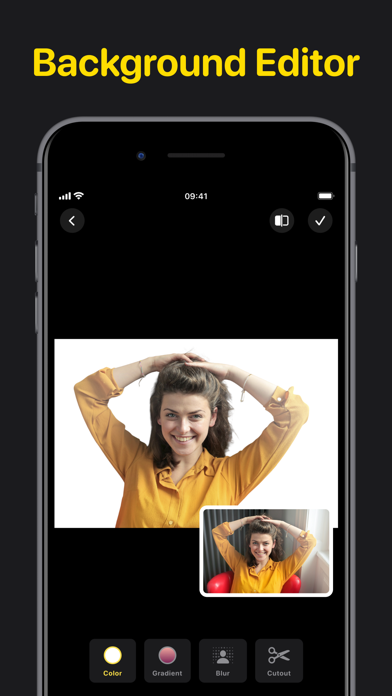
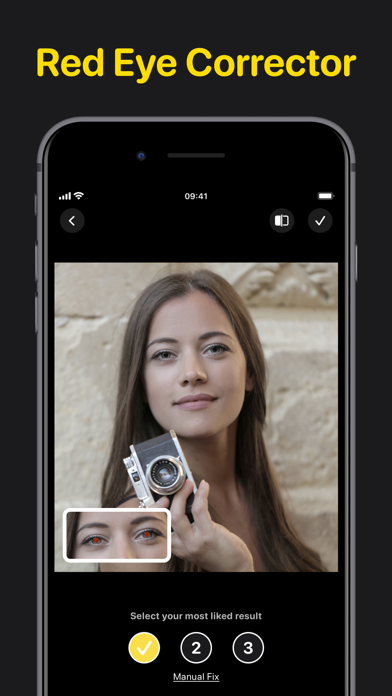
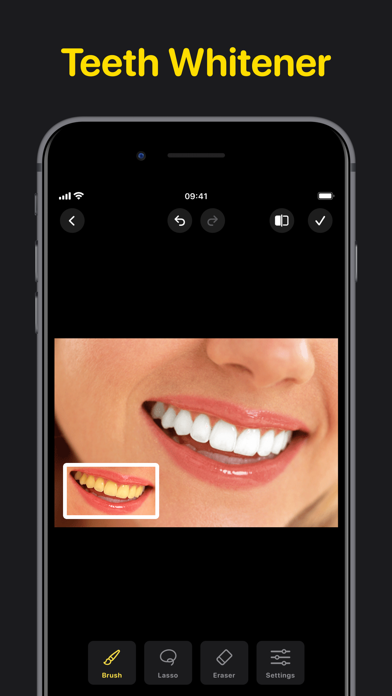
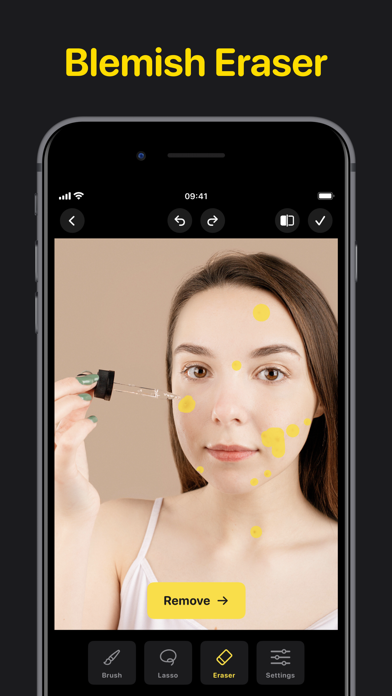
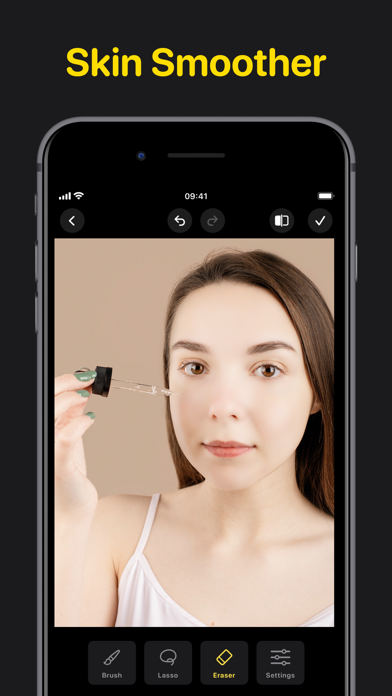
Transform your photos into masterpieces with AiRetouch, your ultimate photo editing tool. Dive into an intuitive editing experience powered by cutting-edge AI, crafted to meet your every retouching need: OBJECTS ERASER From pesky photobombers to unsightly trash cans, make them disappear seamlessly. PEOPLE REMOVER Want a solo shot? Eliminate crowds or unwanted persons in just a click. BLEMISH REMOVAL Achieve flawless skin and bid adieu to pimples, scars, and blemishes. BACKGROUND EDITOR Tailor the backdrop of your images to perfection. Blur the background for a professional depth-of-field effect, change background colors to complement your subject, or apply gradient colors for a dynamic and artistic touch. TEETH WHITENER Flash that pearly white smile in every photo, effortlessly. RED
Screenshots
How to install AI Photo Editor: AiRetouch on iOS
- Download UnKeySign on your iPhone
- Import AI Photo Editor: AiRetouch IPA into UnKeySign
- Add your P12 certificate and provisioning profile
- Tap Sign — the app installs automatically